

From quotes and invoices to payments and expenses, everything flows seamlessly between your job management system and your accounting software.

Save Time
Eliminate manual data entry and reduce errors.

Stay accurate
Ensure your books always match your job activity.

One Setup
Connect once, and we’ll handle the rest.
What syncs automatically
Connect ServiceDeck with QuickBooks for faster, cleaner, and more accurate accounting.
Invoices
›Send invoices from ServiceDeck and have them appear instantly in QuickBooks.
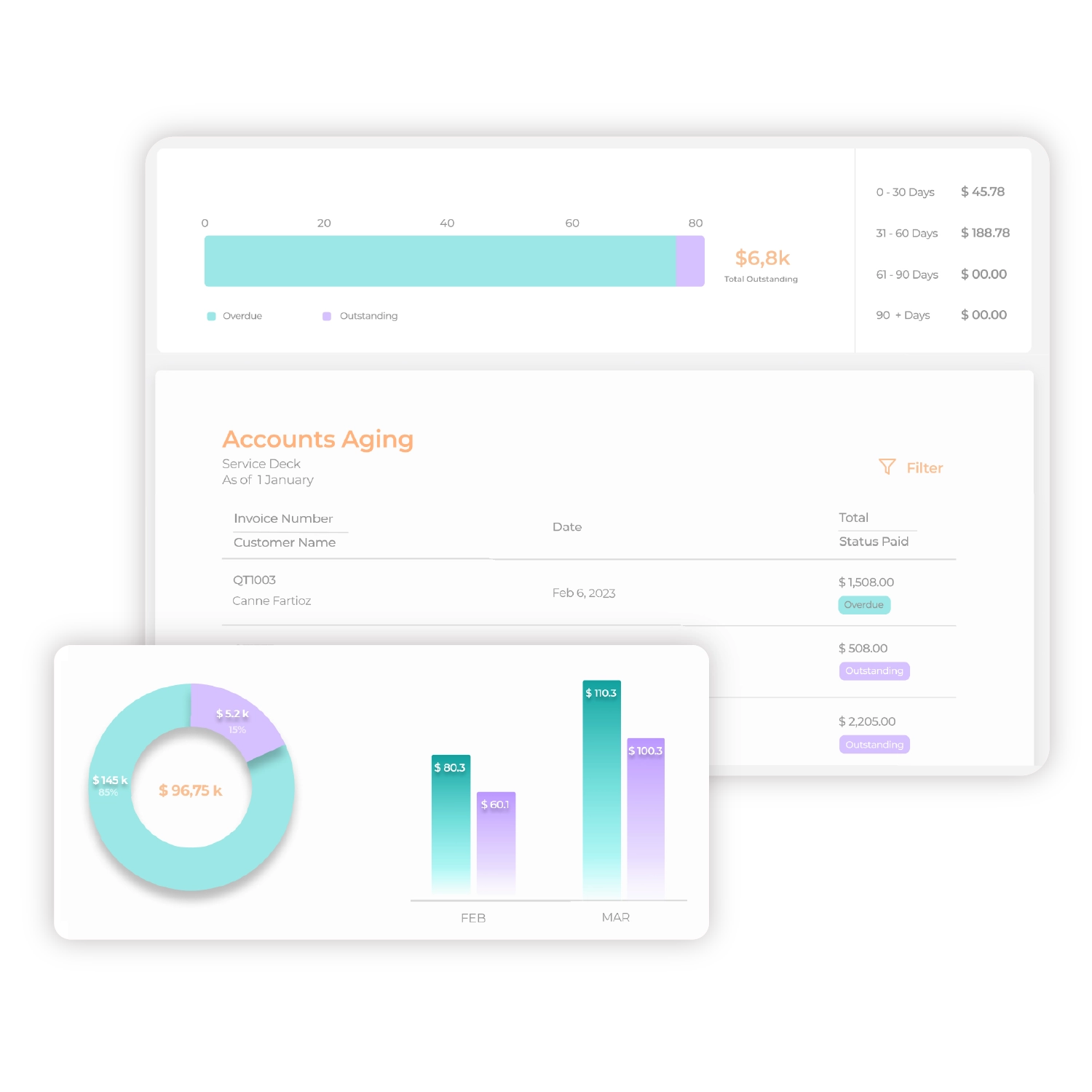
Payments
›Record payments in either platform and stay up to date in both.
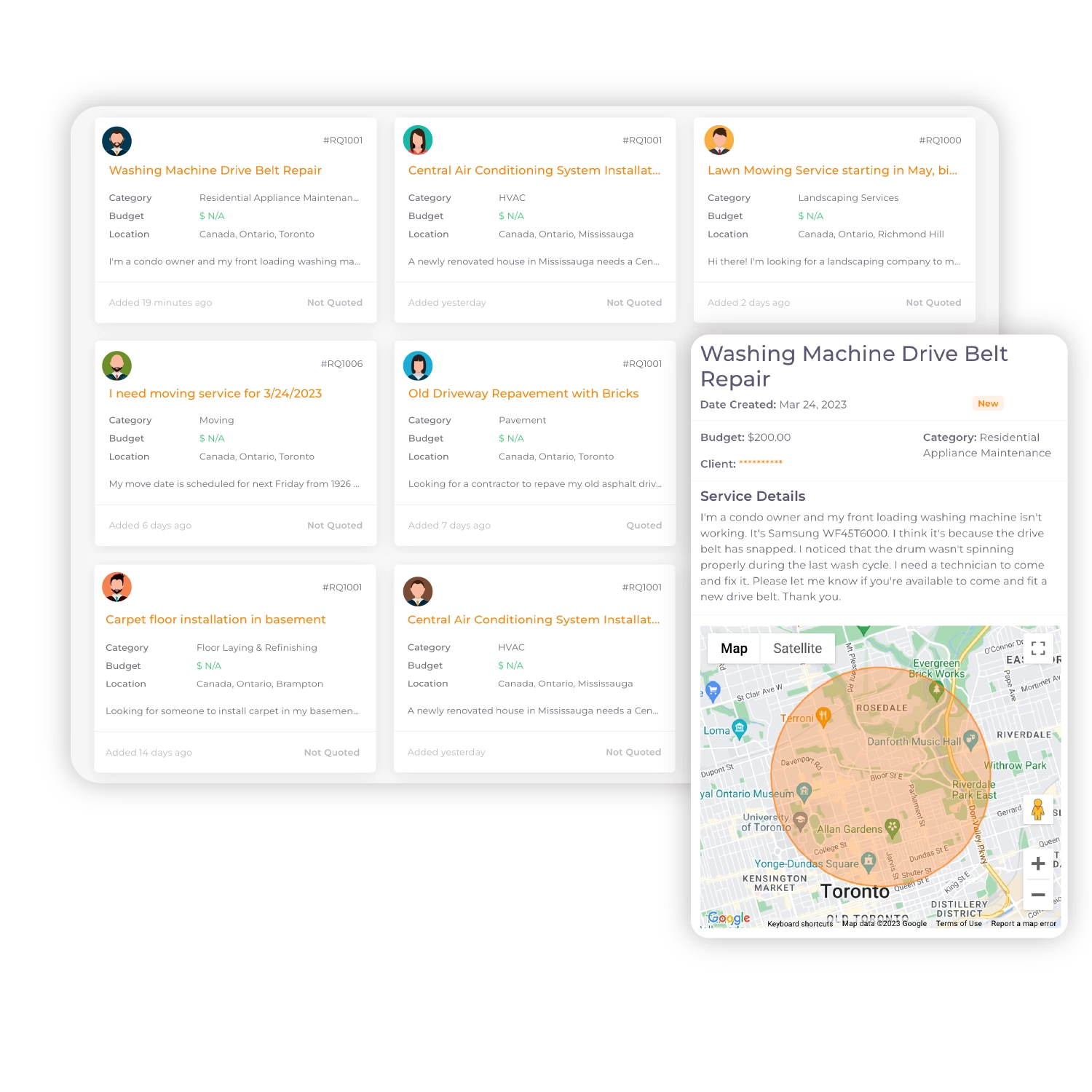
Clients
›Avoid double entry by syncing client contact information.
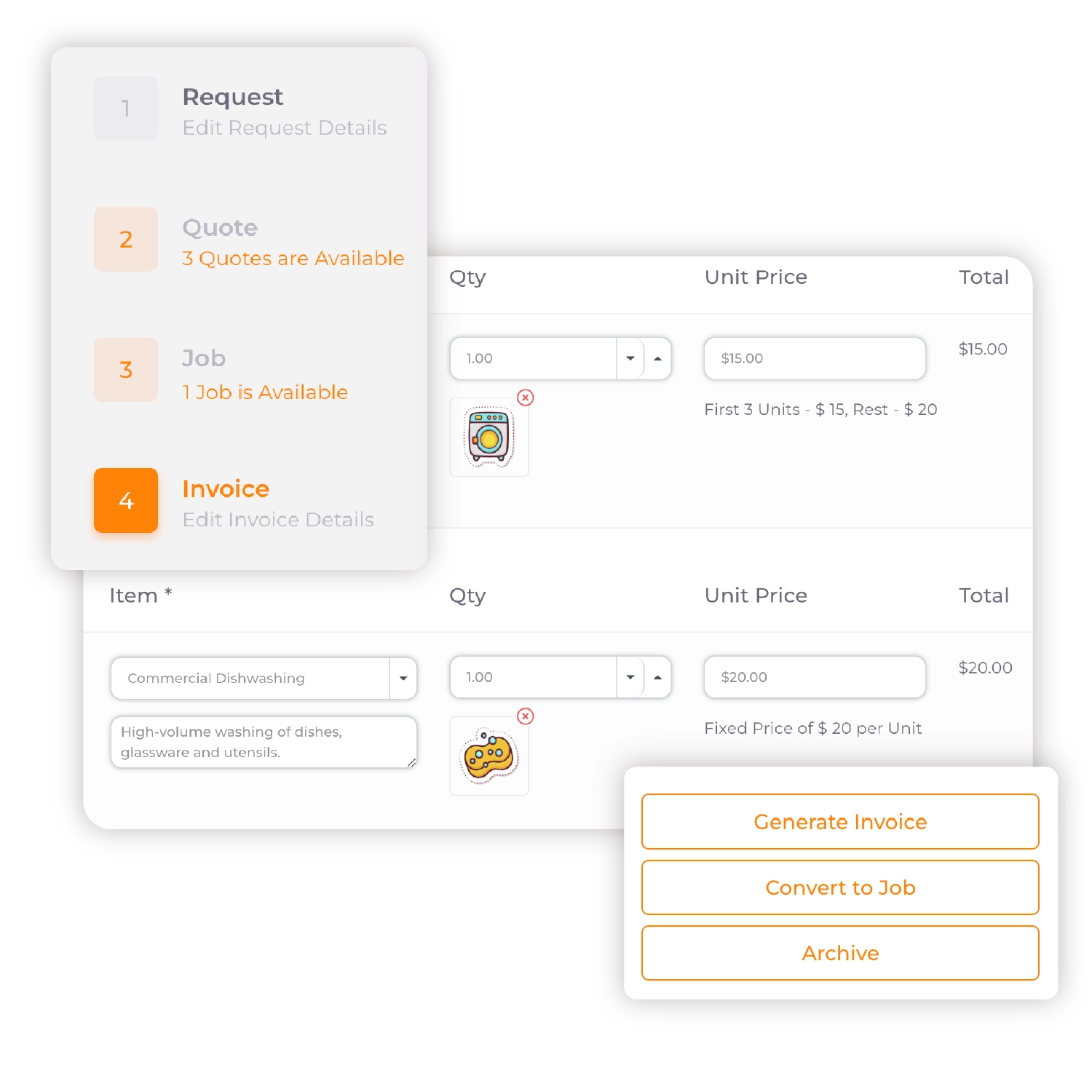
Taxes & line items
›Ensure proper formatting and compliance with synced invoice breakdowns.
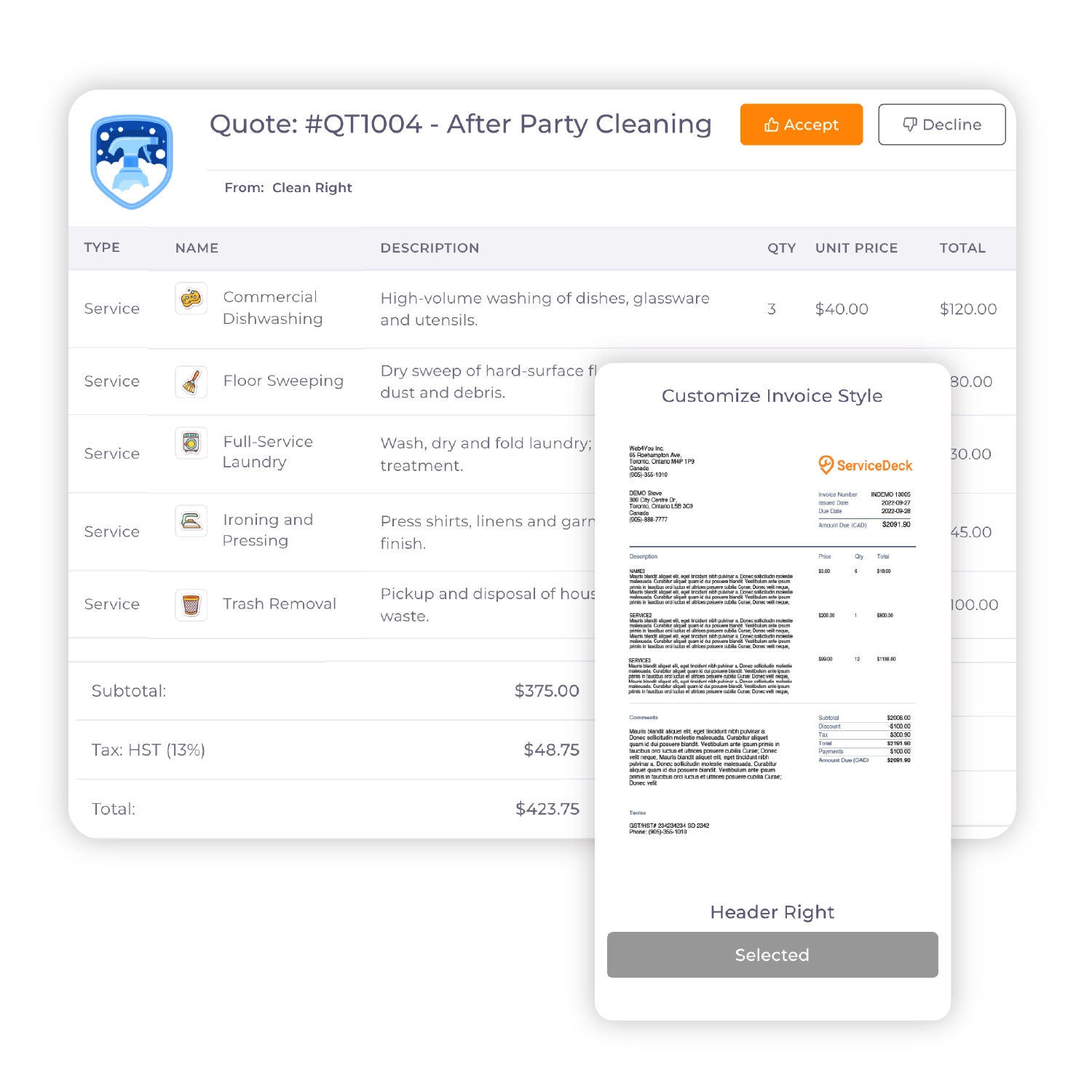
Invoices
›Send invoices from ServiceDeck and have them appear instantly in QuickBooks.
Payments
›Record payments in either platform and stay up to date in both.
Clients
›
Avoid double entry by syncing client contact information.
Taxes & line items
›Ensure proper formatting and compliance with synced invoice breakdowns.
Setup is simple!
Connecting your QuickBooks account takes just a few clicks. Need help? Our team is here to walk you through the process.

Browse our help section
Learn how to set up and sync your QuickBooks account with ServiceDeck in minutes.

Need support?
Need help troubleshooting the integration? Book a call with our support team.
Because running your business should
never slow you down.
Built for the way
service providers work!
›
All features, every plan: full access from day one, no upgrades needed.
›
Built for real work: quote, schedule, communicate, and get paid in one place.
›
Grows with your business: whether you’re solo or scaling a team, ServiceDeck adapts with you.
Follow us