
Running a cleaning business means juggling dozens of appointments, coordinating team members across multiple locations, and keeping clients happy – all while trying to grow your revenue. If you’re still managing schedules with spreadsheets, whiteboards, or endless text messages, you’re losing time and money every single day.
The right cleaning business scheduling software can transform how you operate. It automates the tedious work, reduces no-shows, keeps your team organized, and helps you deliver consistent service that keeps clients coming back.
But with so many options available, how do you choose the best software for your cleaning business? This guide breaks down exactly what to look for, compares the top options for 2026, and helps you find the perfect fit for your team size and business goals.
What Is Cleaning Business Scheduling Software?
Cleaning business scheduling software is a specialized tool designed to help cleaning companies manage appointments, dispatch teams, track time, and handle day-to-day operations from a single platform. Unlike generic calendar apps, these solutions are built specifically for the workflows that cleaning businesses deal with daily.
Think about what makes cleaning operations unique: recurring appointments at the same properties, teams traveling between job sites, last-minute cancellations and reschedules, inventory tracking for supplies, and the need to communicate with both clients and field staff in real-time.
Generic scheduling tools weren’t designed for these challenges. Cleaning business software handles recurring jobs automatically, optimizes routes between locations, tracks employee hours with GPS verification, and integrates invoicing so you get paid faster. It’s the difference between a tool that kind of works and one that actually fits how your business operates.
7 Must-Have Features in Cleaning Business Scheduling Software
Before comparing specific tools, you need to know what features actually matter. Here are the seven capabilities that separate great scheduling software for cleaning business operations from mediocre options.
Smart Job Scheduling and Dispatch
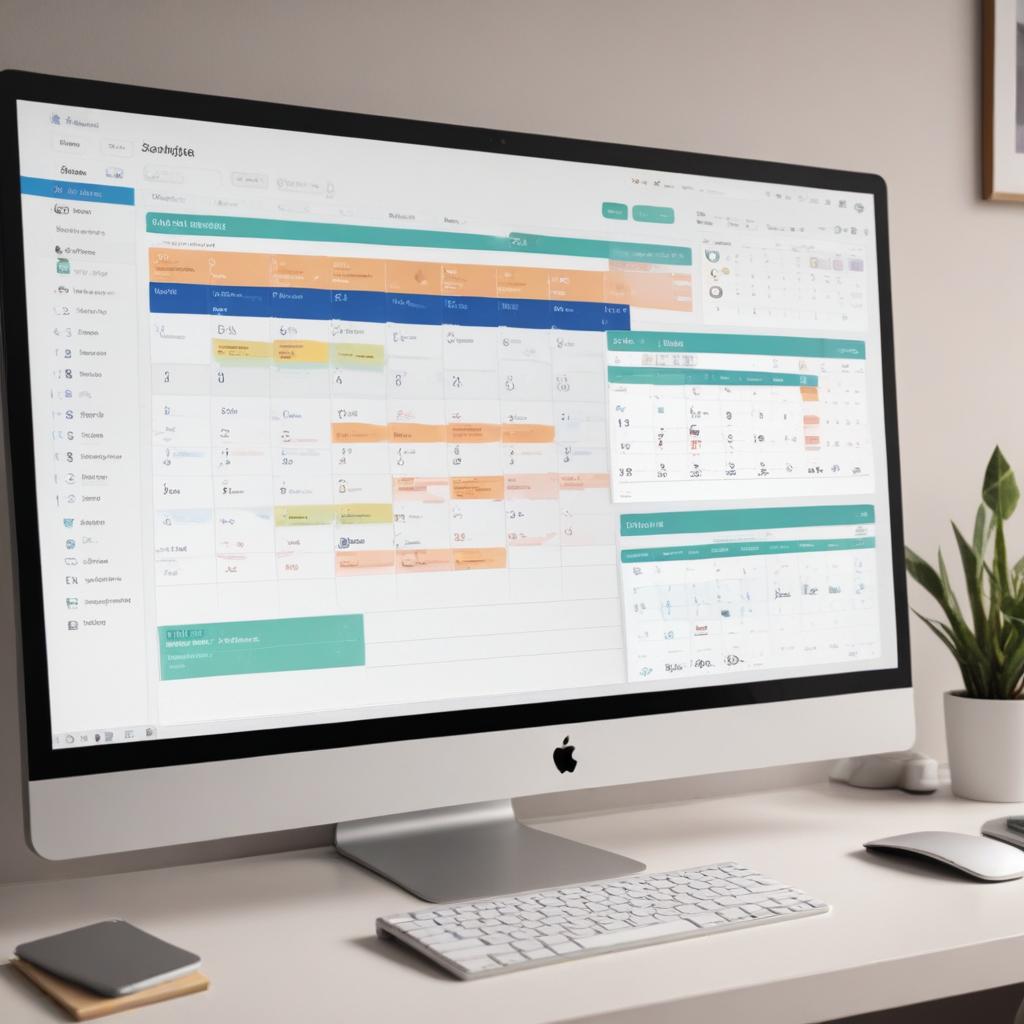
The core of any cleaning business management software is its scheduling engine. Look for drag-and-drop calendars that make it easy to assign jobs, automatic recurring appointment creation, and intelligent dispatch that considers team availability and location.
The best tools let you see your entire week at a glance, color-code by team member or job type, and quickly reassign work when someone calls in sick. Route optimization is a bonus feature that can save significant drive time when your teams service multiple properties per day.
Online Booking for Clients
Modern clients expect to book services online, not wait for a callback. Your software should include a client-facing booking portal where customers can see available time slots, select services, and confirm appointments instantly.
This feature alone can dramatically increase bookings while reducing the administrative time you spend answering phones and scheduling manually. Look for calendar sync capabilities so bookings automatically appear in your master schedule without double-entry.
Team Time Tracking and Attendance
Accurate time tracking protects both you and your employees. The best software for cleaning business operations includes mobile clock-in and clock-out, GPS verification to confirm team members are at the job site, and automatic timesheet generation for payroll.
This eliminates buddy punching, disputed hours, and the manual work of collecting timesheets. Some platforms also track break times and overtime automatically, keeping you compliant with labor regulations.
Automated Reminders and Notifications
No-shows and last-minute cancellations hurt your bottom line. Automated appointment reminders sent via text or email significantly reduce these issues by keeping your services top-of-mind for clients.
Equally important are notifications for your team. Staff should receive job details, client notes, and any special instructions automatically. When schedules change, everyone affected should be notified instantly – not through a phone tree that wastes your time.
Invoicing and Payment Processing
The faster you invoice, the faster you get paid. Integrated invoicing lets you generate and send invoices immediately after job completion, often with just one click. Mobile payment processing means your team can collect payment on-site.
Look for software that tracks outstanding balances, sends payment reminders automatically, and integrates with accounting tools like QuickBooks. The goal is to get paid faster without adding administrative overhead.
Mobile App for Field Teams

Your cleaning teams aren’t sitting at desks – they’re in the field. A robust mobile app is essential for viewing schedules, clocking in and out, accessing client information and job notes, capturing before-and-after photos, and communicating with the office.
The mobile experience should be intuitive enough that team members can use it without extensive training. GPS functionality for time tracking and navigation to job sites adds extra value.
Reporting and Analytics
You can’t improve what you don’t measure. Good cleaning business software provides dashboards and reports that show job completion rates, revenue trends, team productivity, client retention, and other key metrics.
These insights help you identify your most profitable services, spot scheduling inefficiencies, and make data-driven decisions about hiring, pricing, and growth.
How to Choose the Right Tool for Your Cleaning Business
Not every cleaning company has the same needs. A solo cleaner running a residential side business has different requirements than a commercial cleaning operation with 50 employees. Here’s how to match your business type to the right solution.
For Solo Cleaners and Small Teams (1-5 people)
When you’re just starting out or running a small operation, simplicity and cost matter most. You need basic scheduling, client management, and invoicing without paying for enterprise features you’ll never use.
The best software for small cleaning business operations offers a clean interface, mobile access, online booking, and affordable pricing – often with free tiers for very small teams. Avoid platforms that require long-term contracts or charge per-user fees that will become expensive as you grow.
For Growing Cleaning Companies (5-20 people)
At this stage, you need more sophisticated team management. Multiple crews working simultaneously require smart dispatching, and you’re probably dealing with a mix of one-time and recurring clients.
Look for the best software for cleaning business growth: automated workflows, team performance tracking, customer relationship management, and integrations with other tools you use. The ability to simplify your cleaning operations through automation becomes critical as complexity increases.
For Commercial Cleaning Operations (20+ people)
Large commercial cleaning companies need enterprise-grade features: multi-location management, compliance tracking, advanced reporting, custom workflows, and dedicated support.
Integration capabilities become essential at this scale – your scheduling software needs to work seamlessly with HR systems, accounting platforms, and potentially client-specific portals. API access and customization options matter more than they do for smaller operations.
Top Cleaning Business Scheduling Software Options in 2026
Now let’s look at the leading platforms available today. Each has strengths suited to different types of cleaning businesses.
ServiceDeck
ServiceDeck stands out as an AI-powered field service management platform that serves cleaning businesses alongside other service industries like HVAC, plumbing, and landscaping. This multi-industry expertise translates into robust, battle-tested features.
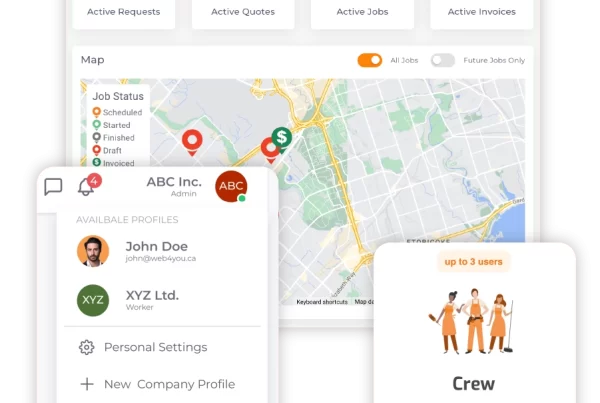
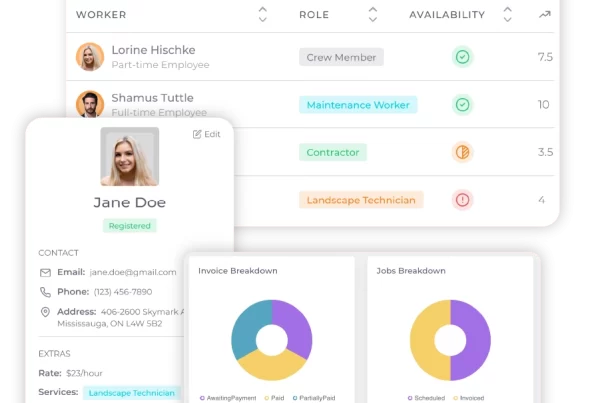
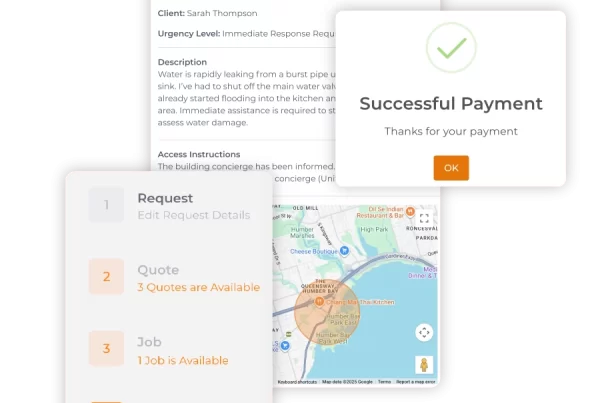
What makes ServiceDeck different is its emphasis on AI-driven automation. The platform uses artificial intelligence to optimize scheduling, predict maintenance needs, and streamline workflows in ways that simpler tools can’t match. For cleaning businesses ready to leverage technology for competitive advantage, ServiceDeck offers centralized management of scheduling, dispatch, invoicing, and team communication – all enhanced by real-time analytics.
The cleaning business software solution is particularly strong for companies that want a modern, scalable platform rather than a basic scheduling tool.
Jobber
Jobber is a popular choice for general field service businesses, including cleaning companies. It offers solid scheduling, quoting, invoicing, and client communication tools with a reputation for reliability.
The platform works well for residential cleaning businesses that need straightforward functionality. Recurring job automation and easy rescheduling are highlights. Pricing starts around $49/month for basic plans.
Housecall Pro
Housecall Pro targets home service businesses with features like online booking, automated marketing, and reputation management. The platform claims users can increase revenue by 35% and save 8+ hours weekly.
Strong marketing tools differentiate Housecall Pro from purely operational platforms. If growing your client base through online presence is a priority, this integration of scheduling and marketing may be valuable. Plans start around $79/month.
ZenMaid
ZenMaid is built exclusively for maid services and residential cleaning companies. This specialization means every feature is designed around how cleaning businesses actually operate.
Notable features include a safety SOS button for cleaners, automated reminders that claim to reduce lockouts by 70%, and workflows specifically designed for recurring residential cleans. If you’re running a maid service, this focused approach may be worth the tradeoff of less flexibility. Pricing starts around $49/month.
Connecteam
Connecteam approaches the problem from a team management angle, offering scheduling alongside employee communication, training, time tracking, and HR features. The platform works across industries.
The pricing model is attractive for larger teams: plans start at $29/month for up to 30 users, with a free tier for businesses under 10 employees. If team management is your biggest challenge, Connecteam’s broader feature set may be valuable.
Why ServiceDeck Stands Out for Cleaning Businesses
While all the platforms above can handle basic scheduling, ServiceDeck offers capabilities that forward-thinking cleaning businesses should consider.
AI-Powered Intelligence: ServiceDeck doesn’t just store your schedule – it actively helps optimize it. AI-driven features analyze patterns, suggest efficiencies, and automate decisions that would otherwise require manual attention.
Multi-Industry Expertise: Because ServiceDeck serves HVAC companies, plumbers, landscapers, and other field service businesses, the platform has evolved to handle complex operational challenges. Cleaning companies benefit from features refined across millions of jobs in related industries.
Centralized Platform: Rather than piecing together separate tools for scheduling, dispatch, invoicing, and communication, ServiceDeck provides everything in one place. This eliminates data silos and the integration headaches that come with multiple systems.
Real-Time Analytics: Make decisions based on data, not guesswork. ServiceDeck’s reporting gives you visibility into every aspect of your operations, from team productivity to revenue trends.
Scalability: Whether you’re a growing residential cleaning company or an established commercial operation, ServiceDeck scales with your business. You won’t outgrow the platform as you add teams and locations.
Ready to see how ServiceDeck can transform your cleaning business operations? Book a demo to explore the platform with a product specialist.
Getting Started with Cleaning Scheduling Software
Choosing software is just the first step. Here’s how to ensure a successful implementation:
Start with core features. Don’t try to use every capability on day one. Begin with scheduling and client management, then gradually add invoicing, time tracking, and other features as your team gets comfortable.
Import your existing data. Most platforms offer data import tools or migration assistance. Take the time to bring over your client list, recurring appointments, and team information so you’re not starting from scratch.
Train your team. Schedule dedicated training time for everyone who will use the system. Most platforms offer tutorials, webinars, or direct support to help with onboarding.
Measure results. After 30 days, compare your key metrics to your baseline. Are you spending less time on scheduling? Have no-shows decreased? Is invoicing faster? Use these insights to optimize your setup.
Frequently Asked Questions
What is the best scheduling software for a small cleaning business?
For small cleaning businesses with fewer than 5 team members, look for software that offers essential features – scheduling, client management, invoicing – without overwhelming complexity or high costs. Platforms with free tiers or low per-user pricing work well at this stage. The best software for small cleaning business needs balances functionality with simplicity.
How much does cleaning business software cost?
Pricing varies widely based on features and team size. Basic plans typically start between $29-79 per month. Enterprise solutions for large commercial operations can cost several hundred dollars monthly. Many platforms offer free trials, and some have free tiers for very small teams. Always factor in the time savings and revenue improvements when evaluating cost.
Can I use generic scheduling software for my cleaning business?
You can, but you’ll likely encounter friction. Generic tools lack features designed for cleaning workflows: recurring appointments at the same properties, team dispatch optimization, cleaning-specific checklists, and integrations with industry tools. Specialized cleaning business scheduling software saves time by fitting how you actually work.
What features help reduce no-shows and cancellations?
Automated reminders are the most effective tool – text and email notifications sent 24-48 hours before appointments significantly reduce forgotten appointments. Some platforms also support deposit collection at booking and cancellation policies with fees. Client portals that make rescheduling easy (rather than canceling) help retain bookings that might otherwise be lost.
How do I switch from manual scheduling to software?
Start by documenting your current process: client list, recurring appointments, team availability, and pricing. Choose a software platform and import this data. Run both systems in parallel for 1-2 weeks while your team learns the new tool. Once confident, fully transition and decommission your old methods. Most platforms offer onboarding support to help with this process.
Does ServiceDeck work for commercial cleaning companies?
Yes. ServiceDeck’s field service management platform handles the complexity that commercial cleaning operations require: multi-location management, large team coordination, enterprise-grade reporting, and integration capabilities. The AI-powered features become especially valuable at scale, where optimization opportunities multiply. Contact ServiceDeck to discuss your specific commercial cleaning needs.
Conclusion
The right cleaning business scheduling software eliminates the chaos of manual scheduling, reduces no-shows, keeps your team coordinated, and ultimately helps you deliver better service while growing your revenue.
When evaluating options, focus on the features that matter for your business size and type. Solo cleaners need simplicity and affordability. Growing companies need automation and team management. Commercial operations need enterprise-grade scalability.
ServiceDeck offers a compelling option for cleaning businesses ready to leverage AI-powered automation and a truly centralized platform. Rather than outgrowing your software as you scale, you get a solution built to evolve with your business.
Ready to transform how you manage your cleaning business? Explore ServiceDeck’s cleaning solutions or book a demo to see the platform in action.
The ServiceDeck team brings decades of combined experience in field service management, helping cleaning businesses and other service providers streamline operations through AI-powered automation.